A recognizable public page
Choose colors, type, logo, and blocks for your coaching offer.
Your brand, your offers
Turn your coaching profile into a public site with your colors, content, and offers. With your text and images ready, aim to prepare a basic draft in about ten minutes. This is an estimate, not a measured guarantee. Landing publication is immediate and does not require profile verification. Program preparation, payment setup and domain verification take separate time.
Choose colors, type, logo, and blocks for your coaching offer.
Connect a live offer to the program clients will follow after purchase or invitation.
Start with your FitSpace URL. Pro and Studio can connect a hostname you control.
Workflow
Create a trainer account and choose your public name and slug.
Open Site and the landing editor. Add a clear headline, coaching format, images, and contact action.
Create a program and configure its offer, price, access terms, and available payment method.
Preview the page and choose Publish. First publication and content changes go live immediately without landing moderation or profile verification. Open the public link in a signed-out browser.
Check that the offer leads to the correct program and that confirmed FitSpace payment activates access.
Connect a custom domain on an eligible plan after the basic page works. Follow the DNS verification instructions.
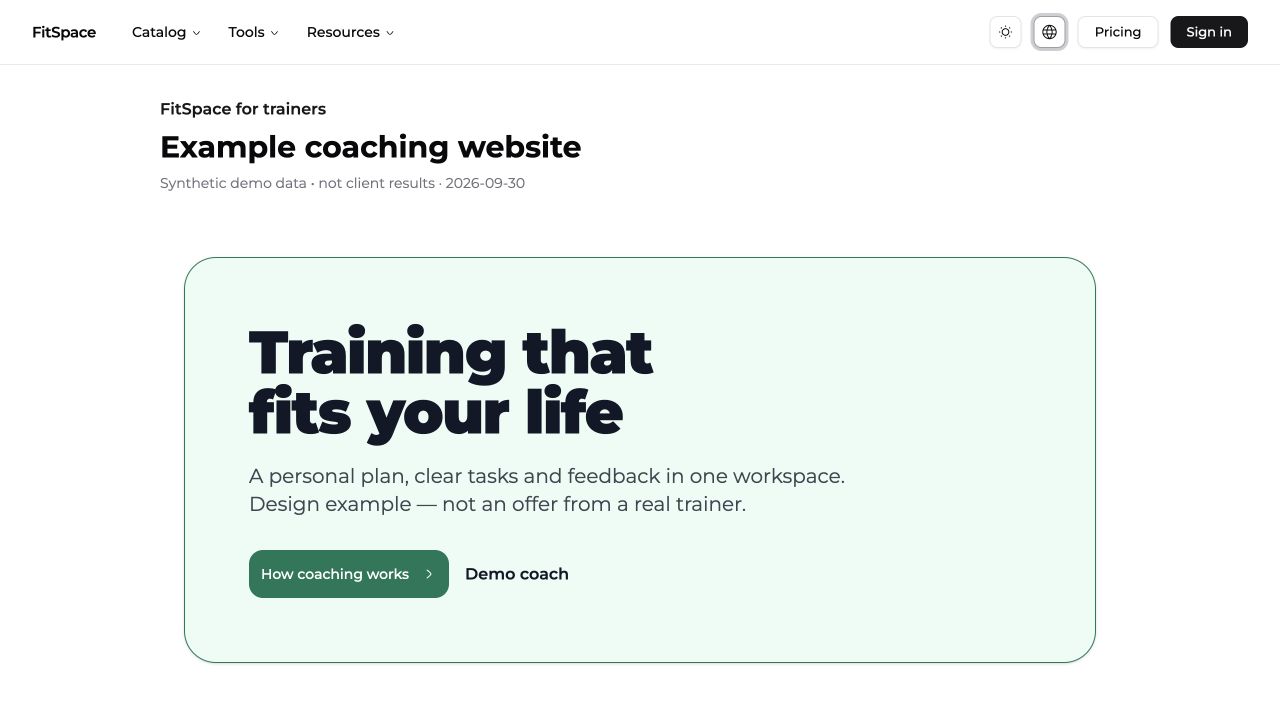
Your visitor sees the published trainer page and offer. After access is confirmed, the client follows workouts, progress, habits, nutrition, and check-ins in FitSpace on Web, iOS, or Android.
The public link must open without an author session, show the intended offer and access terms, and lead to the correct registration or checkout. A draft preview is not the published page.
About ten minutes is an unmeasured estimate for preparing a basic draft with ready copy and images, not for a live launch. Landing publication and content changes go live immediately without landing moderation or profile verification. Program preparation, payment setup, provider verification and DNS propagation take separate time.
Yes. Pro and Studio can connect a custom domain to the public trainer site after DNS verification. The site remains connected to FitSpace checkout and client delivery.
No. You can share your trainer site with your own audience and sell directly. Marketplace listing is optional and has separate eligibility and commercial rules.
Create a trainer account and check the workflow before publishing your offer.
Register as a trainer