Progress and review

Client progress tracking for personal trainers

Move progress evidence out of scattered messages and into dated records the trainer and client can review together.

Progress photos, body metrics, and shared health data

Keep dated progress photos and body metrics, compare photos, and review trends. Web and iOS trainers can also review a consenting coaching client's synced health summary with the same rings, metrics, and 7/30/90-day charts as Health.
Check-ins, reviews, and reminders

Create reusable questionnaires, schedule them, review or return submissions, and notify clients or trainers about due and missed work.

Trainer problem

Progress photos, body metrics, and shared health data

Photos, measurements, and daily activity are hard to review when they are scattered across messages and separate screens.

Client outcome

A clear next action

The client can record progress and choose to share synced health data so the trainer can review activity and recovery alongside photos and measurements.

How the workflow works

  1. 1

    In the iOS app, the client card shows up to five recent workouts; See all opens the full workout history (up to 100 entries). Product cards open progress when the product has something to track.

  2. 2

    On iPad, a client card opens next to the client list in a wide window. In a narrow window, the card opens on its own and Back returns to the client list.

  3. 3

    On Web and iOS, open a program, course or meal plan and choose Client progress, then open a client to see which workouts, lessons or meals they completed. The Products section of the client card opens the same details.

  4. 4

    Add a dated photo with a pose or record a body metric.

  5. 5

    Optionally collect compatible values through a progress check-in.

  6. 6

    Compare photos and review metric trends in the client profile.

  7. 7

    In the client's Progress tab, review Health rings, available metrics, and charts for 7, 30, or 90 days after the coaching client enables health sharing.

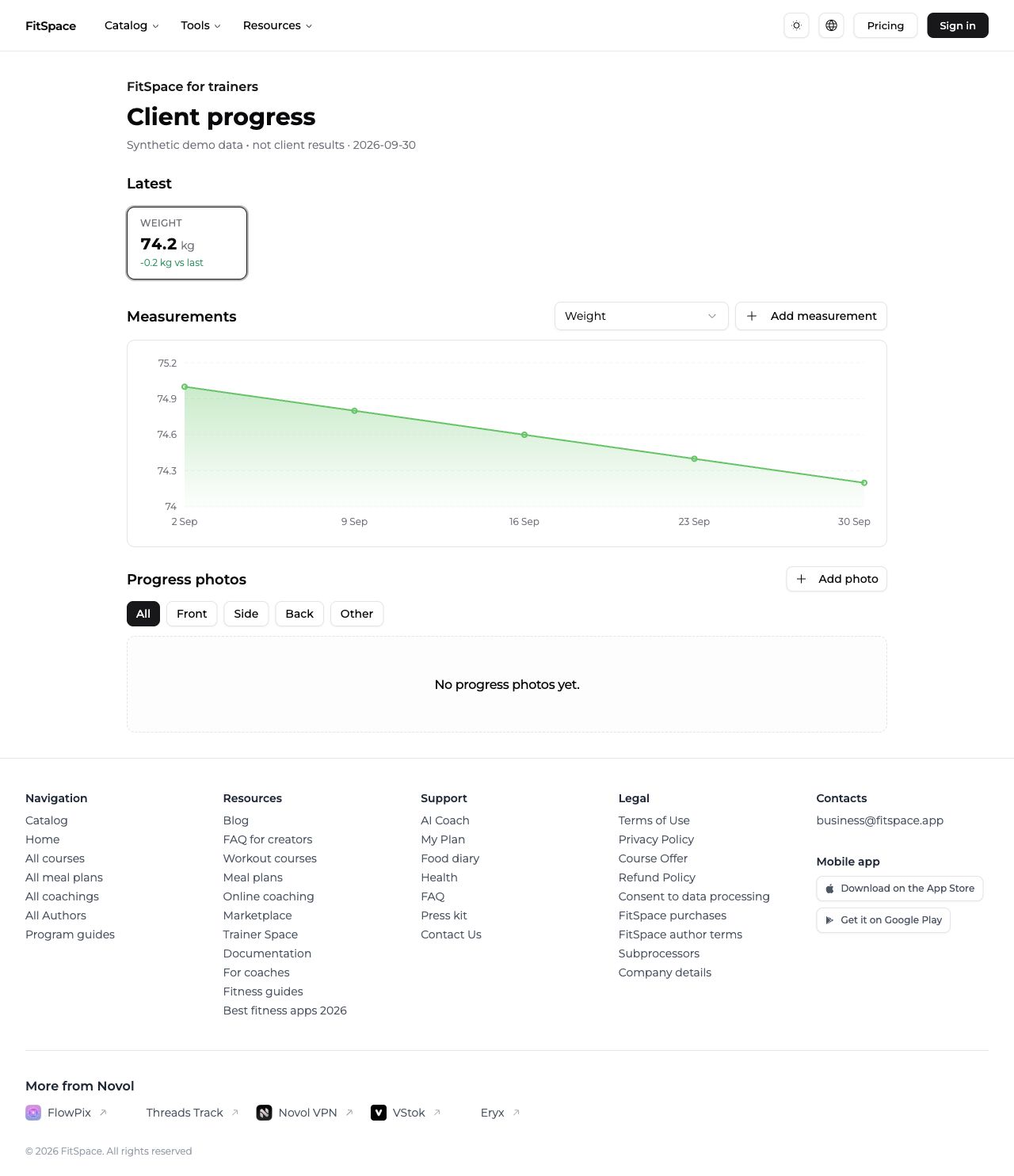
FitSpace for trainers demo interface
The interface uses safe demo data. It is not a customer case study or a claim about business outcomes.

Availability

Where the workflow is available

SurfaceProgress photos, body metrics, and shared health dataCheck-ins, reviews, and reminders
Trainer · WebAvailableAvailable
Trainer · iOSAvailableAvailable
Trainer · AndroidNot availableNot available
Client · WebAvailableAvailable
Client · iOSAvailableAvailable
Client · AndroidAvailableAvailable

Current release boundaries

  • In the iOS app, a program’s Client progress action appears once the program has at least one client. Clients of self-paced programs stay in the list after their access ends, and a marathon uses the wave shown on the page.
  • Product progress on Web and iOS covers clients with full access and the marathon wave shown, also after it ends. For courses and meal plans it covers clients who bought them directly. When several programs use the same workout plan, they share workout records.
  • In the iOS app and on Web, health data shows its source and how fresh it is, and workouts recorded in other apps are counted carefully. If a read returns nothing or fails, earlier values stay. Health data is not updated in the background, and deletions in Health are not tracked automatically. Compatibility with specific wearable brands is not guaranteed.
  • FitSpace stores coaching records; it does not interpret measurements as a medical diagnosis.
  • Only collect photos and health-related measurements that are necessary and agreed with the client.
  • Shared health summary requires active coaching access and the client's health-sharing consent for this workspace. Revoking consent prevents subsequent reads; only data already synced to FitSpace is available.
  • The shared health summary is available to trainers on Web and iOS. Android has client progress records but no trainer health summary.
  • Coming in an Android app update: clients on Android can pick a date for progress photos and measurements, compare photos, and manage health-sharing consent for each trainer in Settings, even when health import is turned off.
  • A coaching check-in is not an emergency or diagnostic service.
  • Delivery of push or email notifications depends on notification permissions and configured providers.

Questions and answers

How does a trainer track client progress?

FitSpace combines dated photos, body metrics, charts, check-in history, and workout activity in the client workspace.

Can a client add a measurement without a check-in?

Yes. Clients can add supported measurements and progress photos directly; compatible check-in answers can also be recorded as structured progress data.

Try FitSpace for trainers

Create a trainer account, build a program, and test the complete path with a demo client before publishing an offer.

Start registration